
How the Synology DS1525+ Simplified My Storage Setup (Q&A)
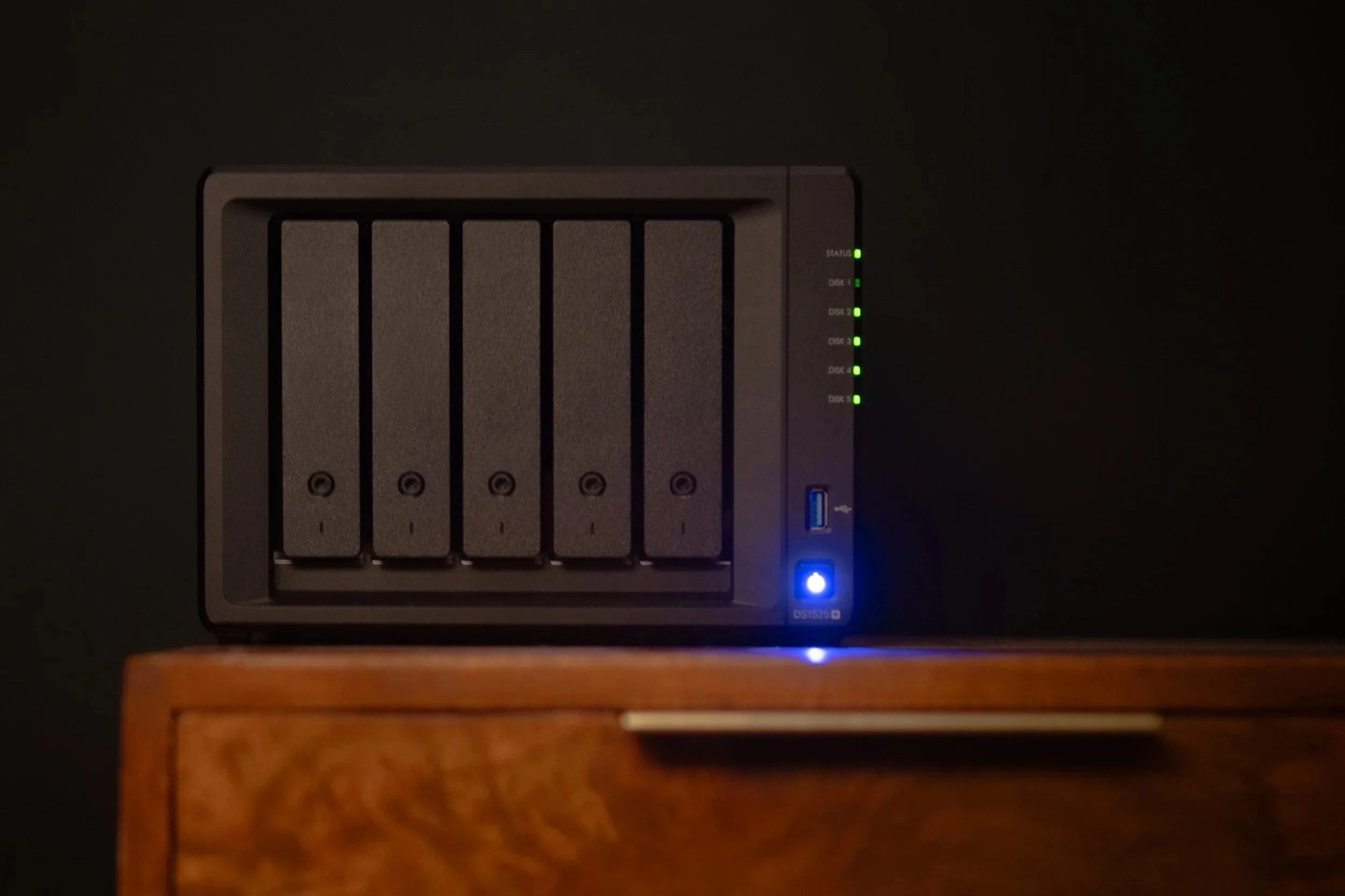
I didn’t realise how disorganised my files were until I fixed it.
Photos in one place, videos somewhere else, client work spread across drives and cloud accounts. It worked for a time, but it was messy, slow, and easy to lose track of things. The Synology DS1525+ has basically pulled everything into one system that actually makes sense and runs properly day to day.
Here’s a straightforward Q&A based on what I’d ask if I were looking at this for the first time.
What is the Synology DS1525+?
It’s a NAS, which just means a central storage system connected to your network.
In practice:
All your files live in one place
You can access them from different devices
You’re not relying on multiple cloud services
For me, it’s now the main hub for everything I work with. Instead of thinking “where did I save that”, I know it’s on the NAS. It’s less about storage and more about having a system that’s actually organised and consistent.

Why not just use cloud storage?
I used Google Drive and Dropbox for years, and they’re fine for what they are. But over time a few things started to add up:
Costs build up month to month
Storage limits get in the way pretty quickly
Upload speeds depend entirely on your internet
Files end up scattered across different platforms
This fixes a lot of that. I’ve got more usable space, faster access when I’m working from home, and everything sits in one place instead of being split across services. I still use cloud where it makes sense, but this is now the core of my setup.
Was it difficult to set up?
No, much easier than expected.
You install the drives, connect it to your network, and follow the setup steps. The interface is clean and feels more like using a desktop OS than configuring hardware.
The only part that takes a bit of time is deciding how you want to organise your folders properly. Once that’s done, everything else falls into place quite quickly.
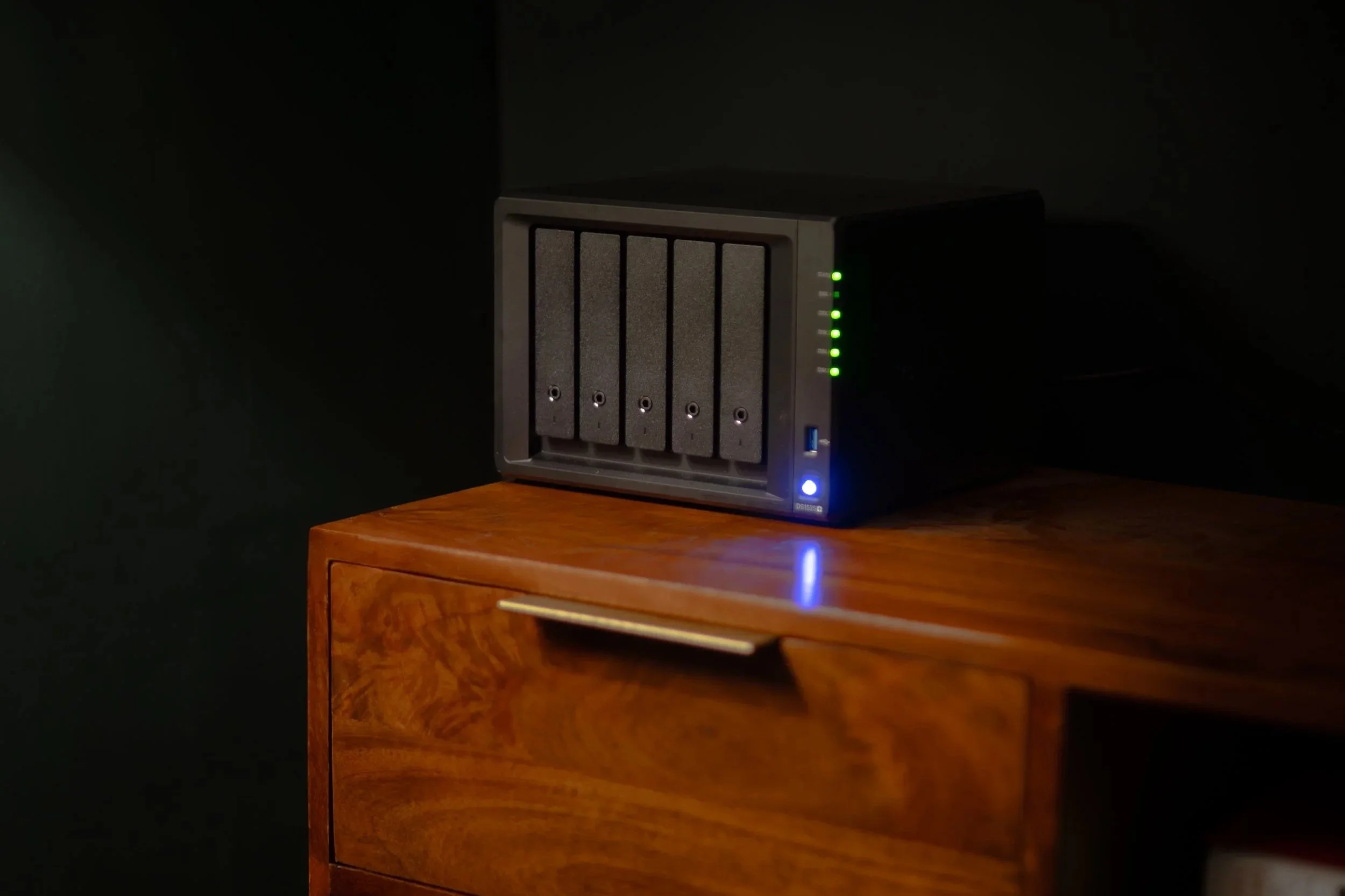
How are you using it day to day?
This is where it’s made the biggest difference.
All my photos and videos are stored here
I edit directly from it or pull files quickly to my machine
My laptop backs up automatically without me thinking about it
I share files with clients without needing third-party tools
I’ve set up a simple media library for personal use
The main thing is consistency. Everything goes to the same place, and everything is easy to find. It’s taken a lot of friction out of my workflow, especially when switching between projects.
Is it fast enough for creative work?
Yes.
For photo and video work, it’s been reliable. File transfers are quick on a decent network, and accessing large files hasn’t been an issue.
It obviously depends on your setup, but for my use it’s been more than capable. It’s fast enough that I don’t really think about it, which is exactly what you want.
Can you access it remotely?
Yes, and that was important for me.
I can:
Open files when I’m away from home
Upload content while travelling
Share folders or links without using extra services
It works like a personal cloud, but you’re in control of it. That’s been especially useful for quick access to files without needing to plan ahead.
What about security?
This was one of my main concerns going into it.
You can set:
User permissions depending on who needs access
Secure remote connections
Automated backups
Drive redundancy so data isn’t lost if something fails
It’s not something you set once and forget completely, but it gives you a lot more control compared to relying entirely on third-party storage.
Who is this actually useful for?
It makes the most sense if you:
Work with large files regularly
Create photo or video content
Want to avoid ongoing storage subscriptions
Prefer having everything in one organised system
If your current setup already feels messy or slow, this is the kind of upgrade that actually fixes that rather than just patching it.
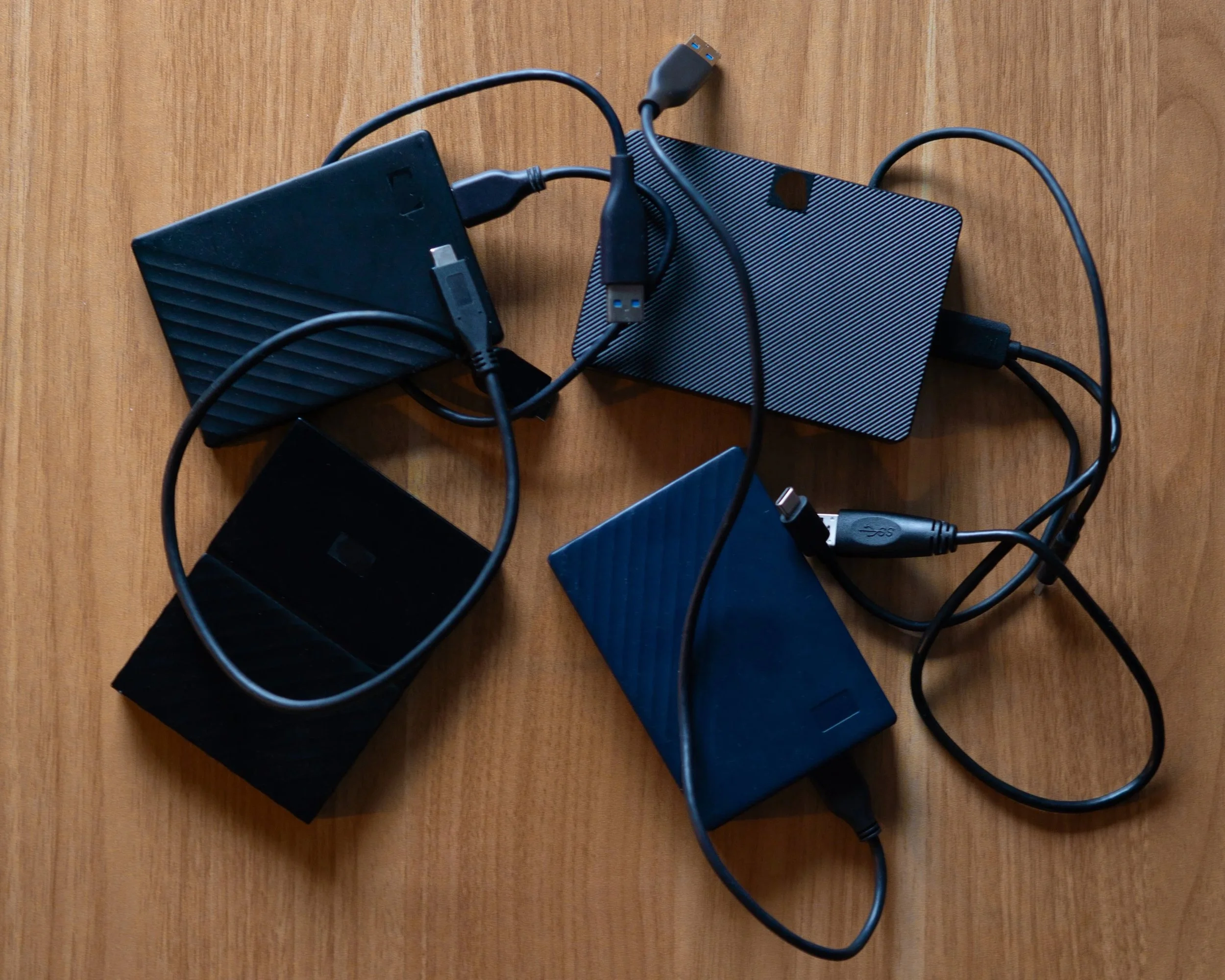
Why not just use SSDs?
SSDs faster for things like editing and moving files directly on your laptop. But the issue I kept running into was everything becoming fragmented across multiple drives. Ultimately, it’s not a futureproof solution to my ever-growing library of files.
With SSDs:
Files get spread out
Backups are manual
You have to keep track of where everything is
Size is limited to each device
The NAS solves that side of things. It’s less about raw speed and more about having one organised system that everything feeds into. Additionally, I can upgrade the storage on my NAS to periodicially add more storage if I need, so all my files will still remain in the same place. Whereas with SSDs I would have to purchase a new separate SSD and have my files either live separately OR transfer from one to the other.
Now I use both:
SSD for active projects
NAS for storage, backups, and everything long term
In summary, SSDs are great, and I still use them. But now, what I use them for has changed. I use them to backup files when on the road, rather than for my everyday storage. Whereas my NAS is basically my database; where all of my files live.
Oh and one additional benefit of using my NAS over SSDs which cannot be overstated… NO MORE PHYSICAL DRIVE CONNECTIONS! I hated having to constantly have my drive plugged into my laptop. Now because my NAS runs off my network, I don’t have to!
Anything else to consider before purchasing?
Here are a few things worth considering for full disclosure:
There’s an upfront cost for the unit and drives
You do need to spend some time organising things properly at the start
It’s slightly more involved than just dragging files into a cloud folder
It is reliant on your internet connection. To get the most out of it you should ideally have a fast network speed. For context I have a download speed of up to 1Gb/s.
That said, once it’s set up, it runs quietly in the background and doesn’t need much attention.

Final thoughts
This isn’t the most exciting bit of tech, but it’s easily one of the most useful I’ve added. And most importantly, its FUTUREPROOF!
Everything is now:
In one place
Backed up automatically
Easy to access from anywhere
It’s just made day-to-day work smoother and a lot more predictable.
If you’ve been juggling storage across different platforms or running out of space constantly, this is a solid step up. And once it’s part of your setup, it’s hard to go back.